
Deploying AODocs extensions to your domain ensures all users automatically get the tools they need to enhance their Google Drive, Gmail, and Google editor experience with AODocs features. This process makes sure the extensions are correctly installed for everyone on your domain.
Automatically generated table of contents
What are AODocs extensions?
AODocs provides the following Google Chrome extensions that enhance your users' experience:
- The AODocs Smartbar brings AODocs features directly into your Google Drive, Gmail and Google editor
- The Universal File Opener (UFO) and the AODocs File Opener (AFO) let you open and edit non-Google files in Google Drive and AODocs – Learn more: What are the UFO and AFO extensions?
These extensions are compatible only with Chrome.
Why deploy AODocs extensions domain-wide?
We recommend that you deploy the required AODocs extension domain-wide. This is the most effective way to make sure that all users on your domain have the extension correctly installed on Chrome.
Important: To deploy UFO/AFO to your domain, you must deploy the UFO/AFO client before deploying the UFO/AFO extension.
Note: If you install an AODocs extension in your domain, the permissions it requires will be accepted automatically.
Learn more: Permissions required by the AODocs Smartbar
How do I deploy AODocs extensions?
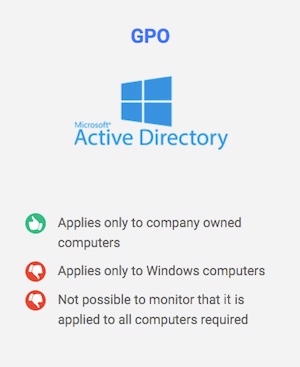
There are two ways to deploy AODocs extensions. Choose one to access a tutorial:
| |
 |